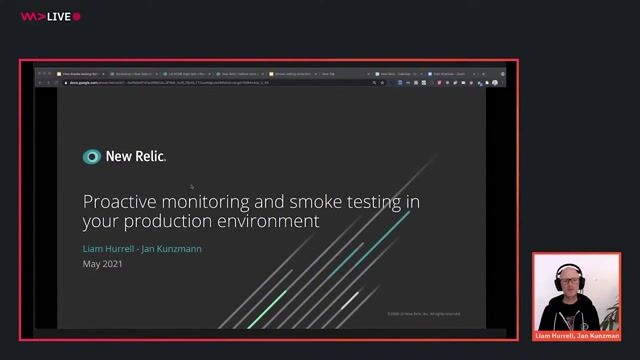


Proactive monitoring and smoke testing in your production environment
Stop waiting for users to report bugs. Learn to automate end-to-end smoke tests in production and deploy with total confidence.
#1about 8 minutes
Introduction to proactive monitoring and smoke testing
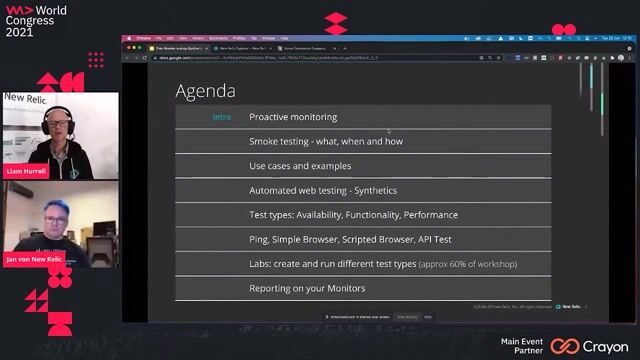
An overview of the session's goals, tools, and the fundamental questions that smoke testing aims to answer for developers and DevOps teams.
#2about 5 minutes
Defining smoke testing for core functionality
Smoke testing provides quick, end-to-end feedback on core application functionality and performance immediately after a deployment.
#3about 4 minutes
Determining the right time to run smoke tests
Run smoke tests after fresh deployments and at regular intervals in both staging and production to ensure continuous confidence in your application's stability.
#4about 2 minutes
Comparing manual and automated smoke testing approaches
Automated, cloud-hosted solutions provide a scalable framework for running tests on a schedule and integrating results with observability platforms.
#5about 3 minutes
Practical use cases for smoke testing applications
Common smoke tests validate critical user workflows like registration, login, adding items to a cart, and ensuring essential API endpoints are responsive.
#6about 5 minutes
Using New Relic Synthetics for automated testing
New Relic Synthetics provides different monitor types like Ping, Simple Browser, Scripted Browser, and API tests to cover availability, functionality, and performance.
#7about 12 minutes
Creating Ping and Simple Browser monitors for basic checks
A walkthrough of setting up a Ping monitor to check URL availability and a Simple Browser monitor to benchmark page load performance from multiple locations.
#8about 12 minutes
Building a scripted API test for endpoint validation
A live coding demonstration shows how to write a Node.js-based script to make HTTP requests to an API endpoint and assert the response status code.
#9about 12 minutes
Developing a scripted browser test for user journeys
Learn to write a Selenium-based script that automates a real Chrome browser to navigate a website, click links, and validate a complete user workflow.
#10about 14 minutes
Using the Selenium IDE to record browser test scripts
A demonstration of the Selenium IDE Chrome extension shows how to record user interactions on a website and export them as a script for automated testing.
#11about 11 minutes
Reporting and alerting on synthetic monitor results
Use SLA reports, custom dashboards with NRQL, and alert policies to visualize test performance over time and receive notifications for any failures.
Related jobs
Jobs that call for the skills explored in this talk.
WeAreDevelopers LIVE days are changing - get ready to take partStarting with this week's Web Dev Day edition of WeAreDevelopers LIVE Days, we changed the the way we run these online conferences. The main differences are:Shorter talks (half an hour tops)More interaction in Q&AA tips and tricks "Did you know" sect...
Daniel Cranney
Dev Digest 213: Petrol Prices, Agentic Workflows, AI Skills and CODE100!Inside last week’s Dev Digest 213 .
🤫 Don’t tell your LLM that it is an expert
👻 AI generated code is invisible
🔄 Learn about agentic workflows
🛡️ Linux Foundation sponsors fight against AI slop
🦠 1M users infected by Chrome extension
🫃 The why of J...