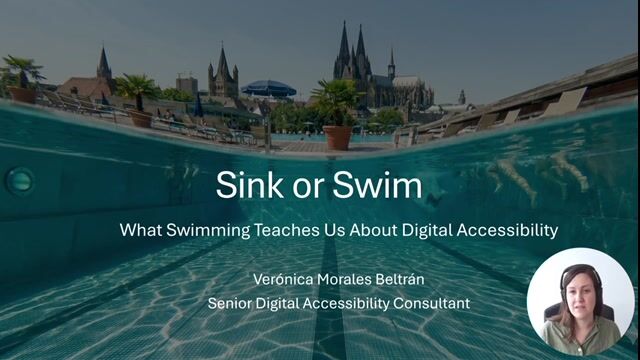
Verónica Morales Beltrán

Sink or Swim: What Swimming Teachs Us About Digital Accessibility

Is your website a safe place to swim? Learn to build an environment where users can thrive, not just struggle to stay afloat.

Sink or Swim: What Swimming Teachs Us About Digital Accessibility
#1about 1 minute

Using a swimming pool analogy for digital accessibility

Navigating the web with poor accessibility is like swimming in a pool with invisible barriers and no markings.

#2about 2 minutes

Guiding users with digital signage and lane lines

Robust code with landmarks and consistent layouts act like underwater signs and lane lines to prevent users from getting lost.

#3about 1 minute

Ensuring legibility with sufficient color contrast

Low color contrast is like swimming with foggy goggles, obstructing vision and causing eye strain for users.

#4about 4 minutes

How swimming aids represent assistive technologies

Swimming aids like kickboards, pull buoys, and fins illustrate how assistive technologies adapt the digital environment for different user needs.

#5about 1 minute

Reducing mental load with clear progress indicators

Just as swimmers count laps, users burn mental energy tracking their progress, which can be solved with accessible progress bars.

#6about 1 minute

The ultimate goal of accessibility is user independence

The goal of both swimming and digital accessibility is to provide independence and autonomy, allowing everyone to participate without needing help.

#7about 2 minutes

A call to action for building accessible products

Instead of seeing accessibility as a checklist, think of your product as a pool and engineer it for clarity and stability.

Related jobs
Jobs that call for the skills explored in this talk.

Featured Partners

Related Articles

View all articles

From learning to earning

Jobs that call for the skills explored in this talk.