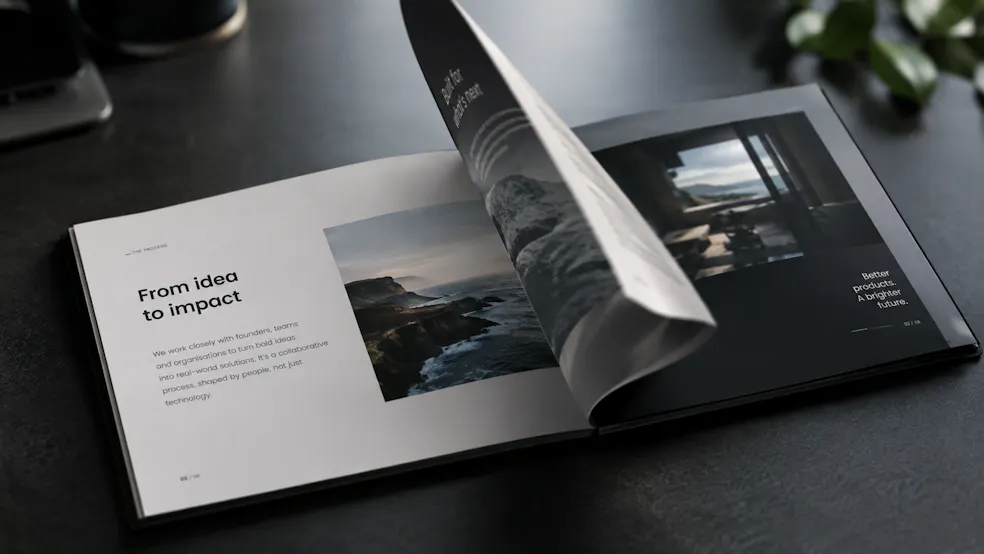
A 3D Flipbook Component Built with the HTML-in-Canvas API
- Discuss this with your agent
- Open in Claude
- Open in ChatGPT
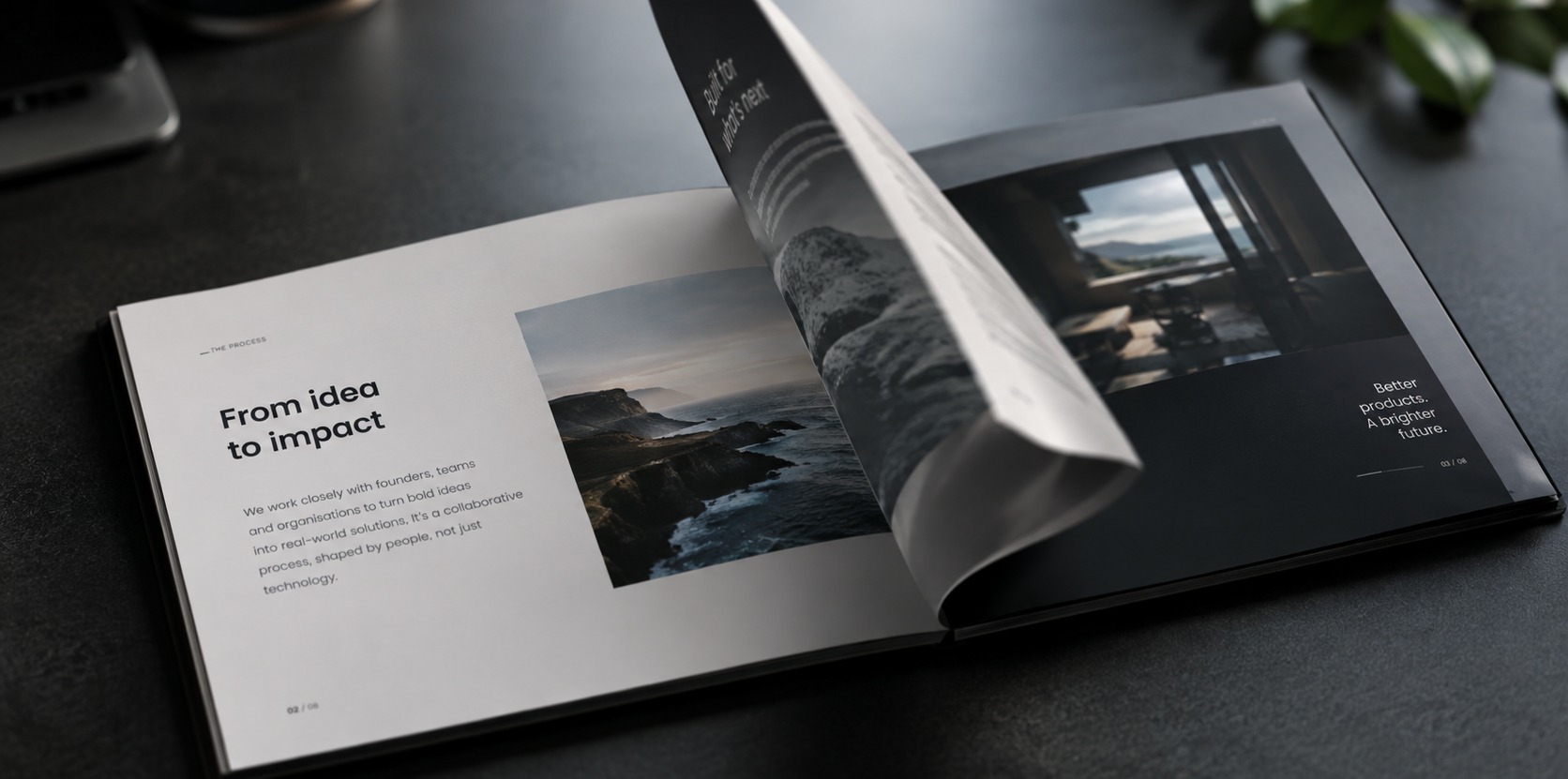
If you remember the days when Flash was all over the web, you’ll have likely seen a pageflip component, allowing the user to simulate flipping through a real book, complete with curling corners, warping and skewing of the content, and dynamic shadows.
Recreating this effect for the modern day was never going to be straightforward, with complex equations needed to handle the animations, and the ever-present challenge of making it accessible, and content selectable and (indexable by agents, too).
Chrome Developer Relations engineer Bramus Van Damme found an in-depth article on the physics , fed it to Google Antigravity, which then took the underlying geometry and turned it into a working prototype in under two hours, later refactored into a more polished component.
Here’s Bramus telling the story:
The result, hic-pageflip, is now a small, installable package, and here’s how to get started with it:
A Note: Browser Support
We should point out, this relies on the experimental HTML-in-Canvas API, so right now it only works in Chrome with chrome://flags#canvas-draw-element enabled. Turn that flag on before testing.
Installation
You can install the package right away via npm:
npm install hic-pageflip
Or skip npm entirely and load it from a CDN:
<script type="module" src="https://cdn.jsdelivr.net/npm/hic-pageflip"></script>
Basic usage
Once you’ve installed and imported hic-pageflip, wrap your pages in the <hic-pageflip> wrapper, with each page on an <hic-pageflip-page>:
<hic-pageflip engine="3d" page-width="300" page-height="450" page-background="#c1c8c7">
  <hic-pageflip-page>
    <div class="content">
      <h1>Cover Page</h1>
      <p>This is HTML inside a 3D WebGL pageflip!</p>
    </div>
  </hic-pageflip-page>

  <hic-pageflip-page>
    <div class="content">
      <h2>Inside Page</h2>
      <p>Real links, real text, real accessibility.</p>
    </div>
  </hic-pageflip-page>
</hic-pageflip>
Some Attributes
A couple of points to note, the default is engine="3d", which includes true conical/cylindrical page curls via WebGL shaders, though you can drop back to engine="2d", which is a lighter 2D canvas version. There are also page-width, page-height and page-background for basic styles and sizing.
The component ships with no built-in buttons, but you can wire up your own controls with its JS methods:
const pageflip = document.querySelector('hic-pageflip');

pageflip.next();          // next page
pageflip.previous();      // previous page
pageflip.goToPage(4);     // jump to page 4
pageflip.flipTo(4);       // animate to page 4