
A Claude Skill to Make Branded Videos with HTML
- Discuss this with your agent
- Open in Claude
- Open in ChatGPT
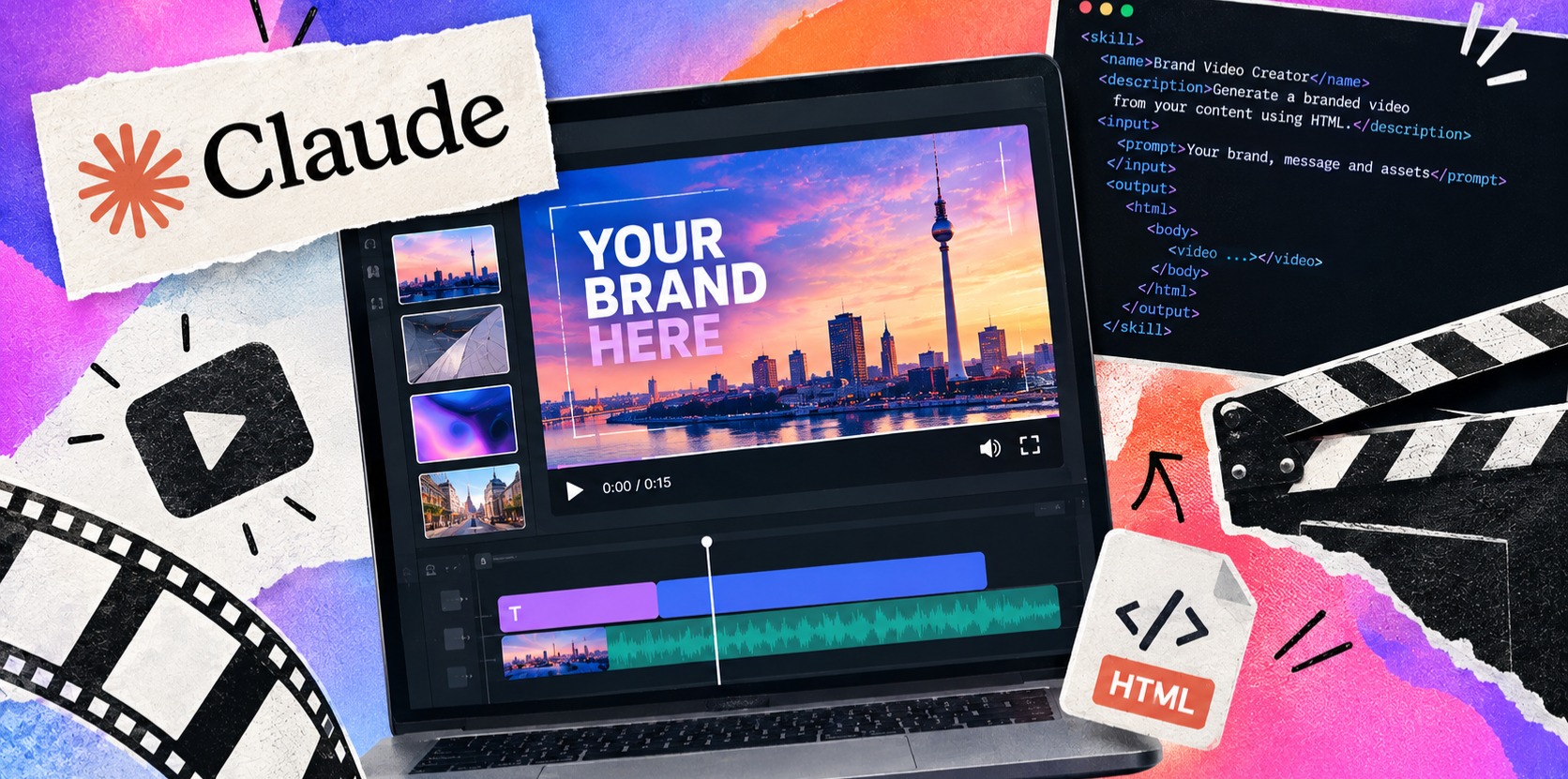
Here in Developer Relations at WeAreDevelopers, we love to build projects and play with code (we are developers, after all) but so often we move between dev work and making videos, writing articles, creating graphics or animations, to make all kinds assets, assets that can be time-consuming to produce.
With all the interesting and elaborate video-related Claude Skills out there, I noticed that most would see Claude Code reach for a JS framework, all kinds packages, add Remotion on top of FFmpeg for the sake of a live preview, and the job was being buried in unnecessary boilerplate.
So I tried a simpler route: have Claude chat build the assets as HTML, animate them with CSS with a simple prompt, and export the result as video, all within the chat; turning it into a simple Skill at the end.
How it works
Each asset is a small HTML page with one function, renderAt(t), that draws exactly what the screen looks like at second t. A script asks for every frame at 60fps, saves them as transparent PNGs, and FFmpeg turns them into video. Because the page is time-driven, the result is perfectly smooth and repeatable.
What you need
-
html-video-assets.zip: a zip of scripts, a starterbrand.json, a template asset and fonts, available on our GitHub. -
ASSETS.md: the only file that says what to make (each asset, its exact on-screen text) -
A screenshot of your site or app (place in
/brandfolder).
Claude also reads CLAUDE.md, an instruction file inside the kit that sets the specs and the order of the steps below.
The steps
1. Use the Skill. In a new chat, write “Use the html-video-assets skill to make the assets in ASSETS.md in the style of this screenshot”, and attach a screenshot of your website (or an asset you want to use the style of).
2. Extract your style. Claude samples real pixels for colours, measures radii and borders, and matches fonts against crops of your headline. Everything lands in brand.json, each value tagged measured, estimated, or given a default value. Under the hood, build-tokens.js turns that file into CSS variables, so every asset uses the same look.
3. Preview one asset, as MP4 only. Claude will generate a preview asset so you can check your styles are as expected. Ask for tweaks, as they go into brand.json and then directly in as CSS.
4. Sign off. When you’re happy, say “approved”. Claude records it against a fingerprint of brand.json, so if you change the style afterwards the sign-off is void, and you go back to step 3.
5. Generate the full pack. Only after sign-off does final.js run. It captures every frame in headless Chromium, then FFmpeg encodes each clip as a .mov (lossless, keeps transparency) and an .mp4 (on solid green to key out). Every file is checked for frame count, transparency and colour.
Good to know
- Open .mov files in a video editor, not QuickTime Player (as these cannot display the transparent background).
- The mp4 background can be keyed out, but note that opacity animations or fast-paced motion may reveal the background colour.
- Keep clips under about 25 MB so they download from chat; use as part of Claude Code for larger files rendered within codebase files.