




Coffee With Developers Nov 28, 2024

Going on a CODE100 Accessibility Scavenger Hunt

Chris Heilmann , Daniel Cranney

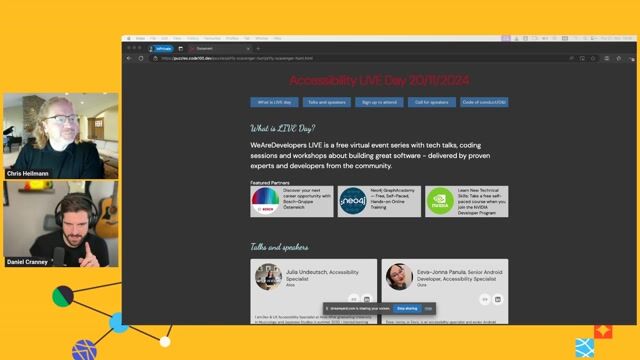
Are your over-engineered UI elements ruining keyboard navigation? Chris and Dan hunt down intentional frontend mistakes in a broken codebase. Discover why semantic HTML always wins.

Pause
Mute Enter Fullscreen
#1 about 2 min

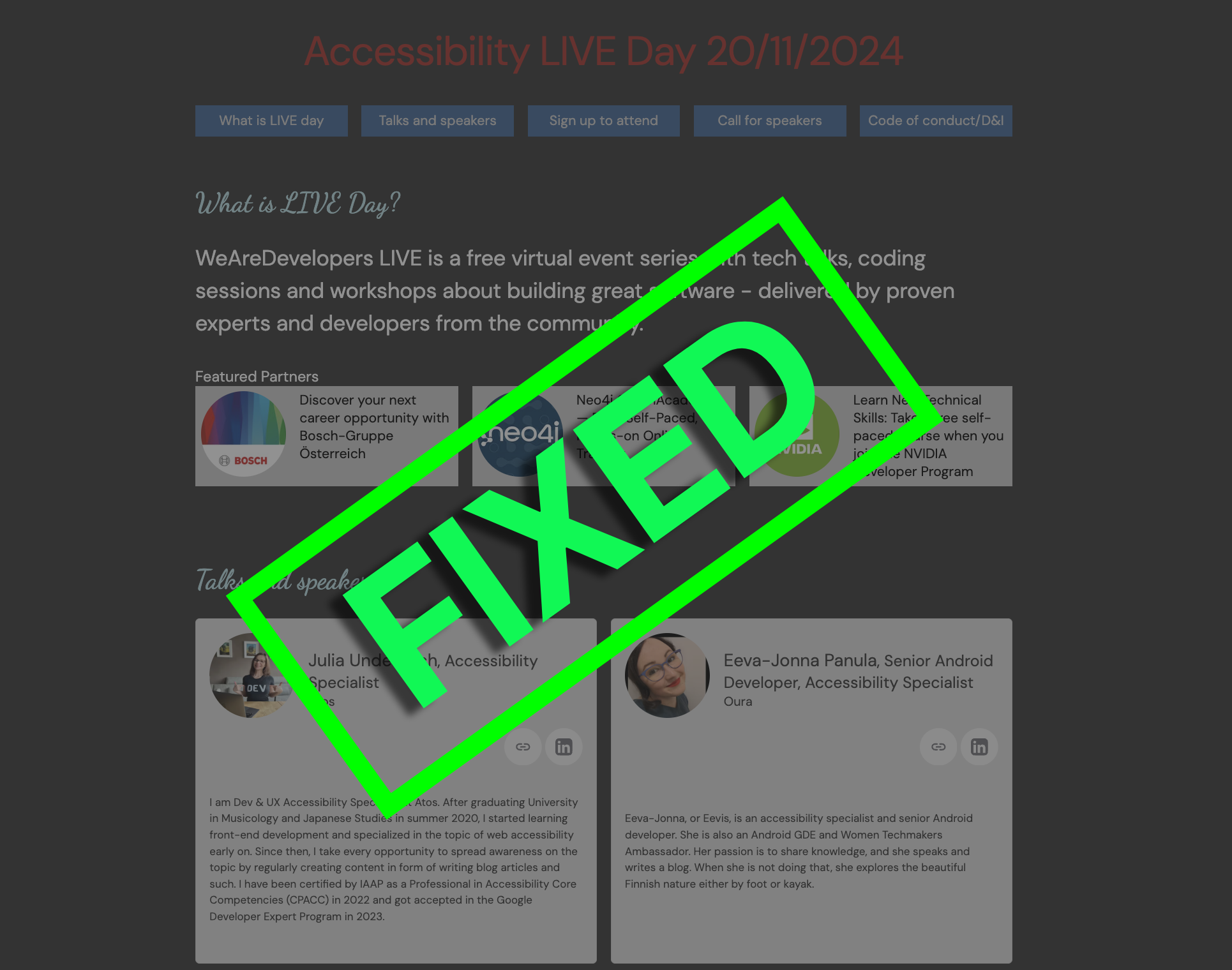
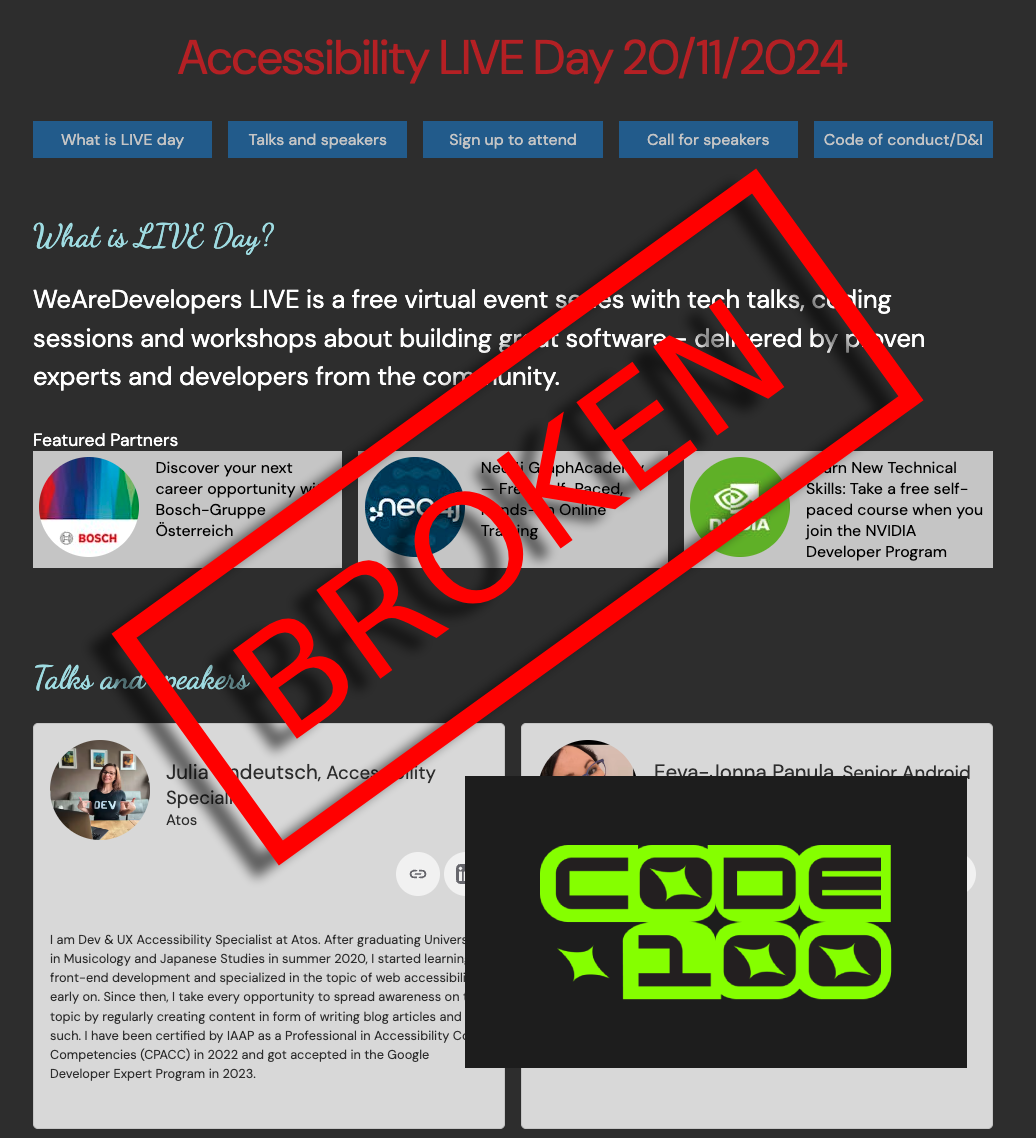
Setting up a deliberate accessibility puzzle challenge

Creating a deliberately broken webpage exposes how common UI patterns actively exclude users.

#2 about 3 min

Measuring contrast ratios and simulating color blindness

Using browser developer tools to verify contrast ratios and emulate visual deficiencies prevents readability barriers.

#3 about 2 min

Examining theme preferences and responsive custom typography

Relying on overly stylized fonts without dark mode alternatives heavily degrades text legibility.

#4 about 2 min

Testing viewport text zoom and flex wrap configurations

Allowing text scaling without proper flex wrapping forces horizontal scrolling or unreadable cut-off content.

#5 about 3 min

Reviewing accessible names for standalone media graphics

Missing alternative text on images and interactive graphics leaves assistive technology users without context.

#6 about 2 min

Aligning visual layout grids with document flow orders

Misusing flex ordering breaks natural keyboard navigation sequences by unlinking document structure from screen rendering.

#7 about 3 min

Replacing mouse interactions with native semantic summary elements

Swapping script-driven hover actions for native details elements ensures keyboard accessibility without focus trapping.

#8 about 3 min

Declaring document encoding and enforcing unique anchor identifiers

Ensuring valid markup attributes like language settings and unique anchor IDs prevents incorrect parsing by accessibility software.

#9 about 5 min

Diagnosing structural markup bugs with the tooling issues panel

Evaluating viewport definitions and nested heading hierarchies via native tooling efficiently uncovers hidden structural oversights.

#10 about 4 min

Wrapping smooth interface scroll routines in CSS motion queries

Respecting operating system reduced motion preferences protects users who experience motion sickness from aggressive interface animations.

#11 about 1 min

Applying stylesheet text transforms to capitalize readable content

Injecting capitalization entirely through style properties stops screen readers from mistakenly spelling out full acronyms.

#12 about 6 min

Binding explicit labels and structuring local input validation feedback

Hardcoding programmatic links between text labels and form inputs clarifies user intent and groups error messages natively.

#13 about 5 min

Visualizing tab sequence paths with accessibility extension tools

Utilizing advanced auditing plugins highlights hidden elements and missing keyboard focus outlines across deeply nested nodes.

#14 about 2 min

Integrating continuous accessibility code reviews early in development stages

Correcting structural barriers during initial stages inherently eliminates friction over late post-release debugging cycles.

Matching moments

8:18 min

Building interactive accessibility learning resources for web developers

Chris Heilmann +2 · LIVE

53 sec

Utilizing developer tools to test and improve accessibility

Ramona Schwering Ramona Schwering · Coffee With Developers

4:30 min

Addressing web accessibility challenges in development teams

Anuradha Kumari · WWC 2023

3:08 min

Introduction to building accessible web frontends

Konstantin Tieber · WWC 2022

4:49 min

Finding accessibility issues through manual keyboard navigation testing

Emma Dawson Emma Dawson · WWC 2025

3:51 min

Audience questions on accessibility and framework tradeoffs

Rowdy Rabouw Rowdy Rabouw · WWC 2022

Upcoming sessions on this topic

Open session

World Congress 2026 North America

Secure-by-Inclusion: Preventing Accessibility Barriers from Becoming Security Vulnerabilities

Radostina (Ina) Tsvetkova

Norwegian Directorate of Labour and Welfare (NAV), Senior Advisor in Digital Accessibility and Inclusive Design

Radostina (Ina) Tsvetkova
Open session

World Congress 2026 North America

Vibe Coding Accessibility

Karl Groves

Focused on actively fixing accessibility

Karl Groves
Open session

World Congress 2026 North America

Fast by Design: A Masterclass in High-Performance Web Engineering

Aaron Grogg

Senior web developer, committed to improving the user experience by improving web performance

Aaron Grogg
Open session

World Congress 2026 North America

Architecting AI in Angular: WebMCP, A2UI, and the Agent Experience

Ankita Sood

Sr. Principal Engineer @ Secureworks | Angular GDE

Ankita Sood
Open session

World Congress 2026 North America

Small LLM in your Browser: Huge Opportunities for Web Applications

Daniel Ostrovsky

UI/UX Architect at Payoneer | AI Architect | Full Cycle Development Expert | Public Speaker | Open Source Contributor |

Daniel Ostrovsky
Open session

World Congress 2026 North America

Beyond Vibe Coding: Using CLI Tools as Your AI Counterpart in Pair Programming

Ron Veen

Java enthusiast and Special agent for Team Rockstars IT

Ron Veen