Exploring Google Gemini and Generative AI

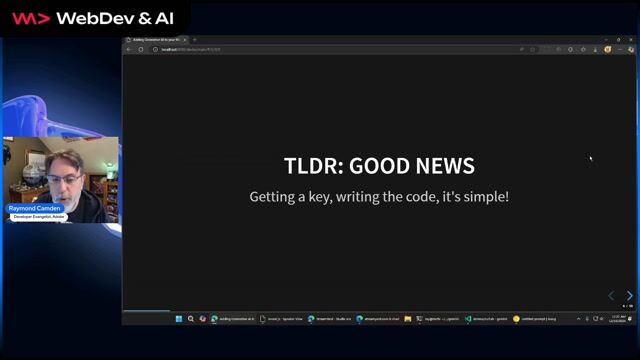
The code for generative AI is 'scary easy.' The real skill lies in mastering prompt engineering to get reliable, structured output.

Exploring Google Gemini and Generative AI
#1about 1 minute

Generative AI code is simple but prompting is complex

The core challenge in generative AI development isn't writing code, but mastering prompt engineering to get desired results, similar to writing performant SQL.

#2about 3 minutes

Understanding Google Gemini models and capabilities

Google Gemini offers different models like Pro and Flash for varying needs, supporting a large context window for inputs like video, audio, and code.

#3about 3 minutes

Getting your API key and making your first call

Obtain a free-tier API key easily through AI Studio without needing the full Google Cloud Platform, and test it immediately with a provided curl command.

#4about 4 minutes

Prototyping prompts and writing code with Node.js

Use AI Studio as a playground to test prompts and generate starter code, then implement it using the Node.js SDK for simple question-and-answer interactions.

#5about 5 minutes

Processing images and files with multimodal input

Leverage Gemini's multimodal capabilities by uploading images via the Files API to analyze their content and automate tasks like generating descriptive filenames.

#6about 3 minutes

Building conversational context with chat history

Create stateful chat interactions by sending the entire conversation history with each new message, a process the Gemini SDK manages automatically.

#7about 3 minutes

Defining model persona and style with system instructions

Use system instructions to formally define a model's persona, tone, and subject matter constraints, ensuring consistent and tailored responses for specific use cases.

#8about 4 minutes

Enforcing structured output with JSON Schema

Ensure reliable and structured data from the model by specifying the desired output format as JSON and defining its precise structure using a JSON Schema.

#9about 3 minutes

Exploring practical use cases and model limitations

Real-world applications of Gemini include a movie recommendation system and a Dungeons and Dragons tool, but it can fail at tasks requiring strategic reasoning like blackjack.

#10about 3 minutes

Running on-device AI in the browser with Gemini Nano

Gemini Nano brings generative AI directly into the Chrome browser, enabling on-device processing for tasks like summarization and translation without API calls.

#11about 4 minutes

Implementing summarization and translation with web APIs

Use the experimental `window.ai` object in Chrome to implement features like text summarization and translation that run entirely on the user's device.

Related jobs
Jobs that call for the skills explored in this talk.

Featured Partners

Related Articles

View all articles

From learning to earning

Jobs that call for the skills explored in this talk.