Alexandru Hang

Run AI models in the browser: Real life scenarios and implementations

What if your AI models could run without a server? Discover how to build for low latency, enhanced privacy, and offline capability right in the browser.

Run AI models in the browser: Real life scenarios and implementations
#1about 6 minutes

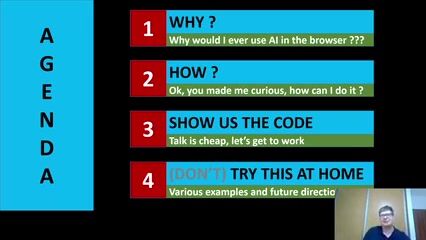
Exploring the pros and cons of browser-based AI

Running AI models on the client offers low latency and high privacy but is constrained by computing power and model size.

#2about 1 minute

Introducing TensorFlow.js for in-browser machine learning

TensorFlow.js is a Google library that enables running, retraining, and developing machine learning models directly in JavaScript environments.

#3about 7 minutes

A crash course in machine learning fundamentals

Machine learning models learn from datasets to perform tasks like classification, illustrated by training a model to distinguish between cats and dogs.

#4about 5 minutes

Building a simple neural network with TensorFlow.js

A step-by-step code walkthrough shows how to implement a linear regression using the neural network architecture in TensorFlow.js.

#5about 3 minutes

The art and science of training your AI model

Properly training a model involves feeding it the right amount of data to avoid overfitting or underfitting, using a feedback loop of rewards and punishments.

#6about 4 minutes

Evaluating model performance with the loss function

The loss function measures the model's error, and its value should decrease over training epochs until it plateaus, indicating an optimal stopping point.

#7about 6 minutes

Real-world use cases and a hands-on exercise

Apply your knowledge by building a classifier to predict customer purchasing behavior and explore other examples like gesture control or running GPT-2 in the browser.

Related jobs
Jobs that call for the skills explored in this talk.

Featured Partners

Related Articles

View all articles

From learning to earning

Jobs that call for the skills explored in this talk.