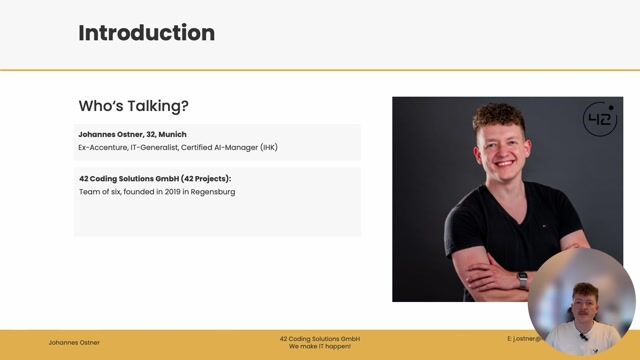
Johannes Ostner

Claude, MCP and n8n, or: How to Automate Your Day with AI-powered Workflows

What if you could build complex workflows just by describing them? See how AI translates natural language into multi-step automations that save you hours.

Claude, MCP and n8n, or: How to Automate Your Day with AI-powered Workflows
#1about 2 minutes

Core tools and data flow for AI automation

The automation stack consists of the Claude large language model, the n8n workflow tool, and an MCP server acting as middleware to handle user queries and API responses.

#2about 7 minutes

Identifying valuable automation opportunities

Use methods like team interviews, Pain Point Bingo, or AI-driven questioning to find repetitive, error-prone tasks that are worth the effort to automate.

#3about 4 minutes

Preparing tools and credentials for the workflow

Before building, verify tool support via native n8n nodes or REST APIs, determine the authentication method like OAuth or API keys, and decide between personal or technical user accounts.

#4about 9 minutes

Using a detailed prompt to generate a workflow concept

Provide a detailed prompt with context, clear rules, and do's and don'ts, then ask the AI to produce a concept for approval before it generates the actual n8n workflow.

#5about 5 minutes

Testing and debugging the AI-generated workflow

Run the initial AI-generated workflow, identify and fix errors like credential issues or logic bugs by providing feedback to Claude, and repeat until the automation works as expected.

#6about 2 minutes

Considering future enhancements for the workflow

After deploying the working automation, consider adding advanced features like robust error handling with notifications and state rollback capabilities.

Related jobs
Jobs that call for the skills explored in this talk.

Featured Partners

Related Articles

View all articles

From learning to earning

Jobs that call for the skills explored in this talk.