
Semantic HTML Elements You’re (Probably) Not Using But Should
- Discuss this with your agent
- Open in Claude
- Open in ChatGPT
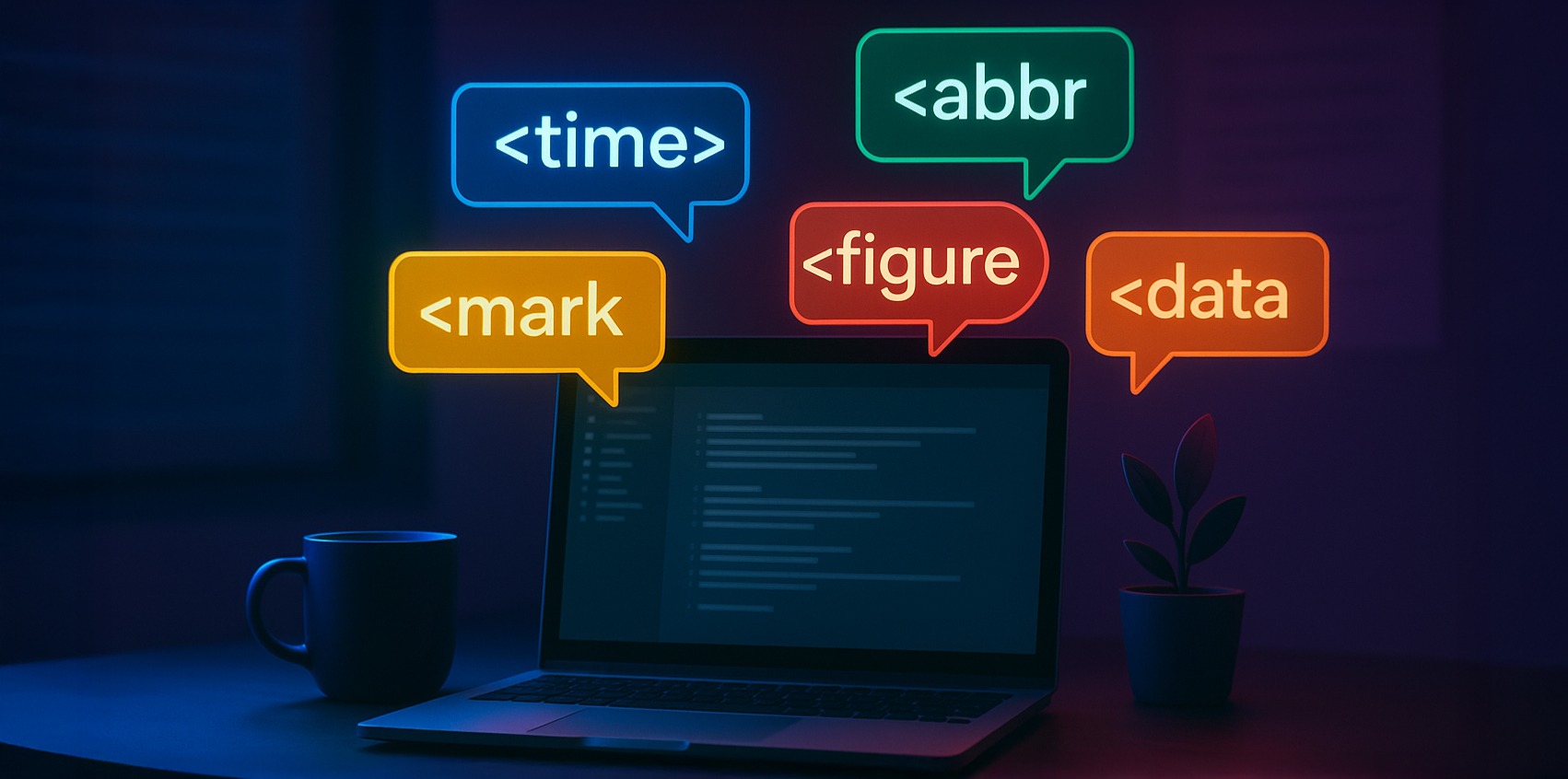
Semantic HTML is one of the simplest ways to make your pages more accessible, meaningful, and easier to maintain, without adding libraries or rewriting layouts. Here are five underrated elements that quietly (but meaningfully) improve UX, accessibility and machine readability.
1. <time> - Signpost time-related content
The <time> element is great for event listings, blog posts, feeds, and anything that benefits from clear timestamps, signposting the purpose of your content as any semantic element should.
It might seem a little confusing as first to see a <time> element without a specific time passed in, but rather it merely points out that the content is time-related, so don’t worry about that.
<p>
  Published on
  <time datetime="2025-02-15">February 15th, 2025</time>
</p>
The datetime attribute gives search engines and assistive tech the real value, even if you format it differently for humans.
Of course, this means you must use a valid datetime value (YYYY-MM-DD, ISO timestamps) to get the benefit that this element offers.
2. <mark> - Emphasise important content
Perfect for emphasising matches in a search result, or drawing attention to a key phrase, with far more semantic benefits than other approaches (such as styling the text with CSS).
<p>Your search for <mark>HTML</mark> returned 18 results.</p>
It provides semantic meaning that CSS alone doesn’t convey.
3. <abbr> - Explain abbreviations
The <abbr> element is helpful for jargon-heavy content or technical documents, and they’re particularly useful for users with screen readers as they will speak the full title, improving clarity for non-visual users.
<p>
  The <abbr title="Application Programming Interface">API</abbr> request failed.
</p>
4. <figure> + <figcaption> - Give images context
Some of the most under-utilised elements considering how useful they are, <figure> and <figcaption> provide context for images, going beyond alt tags by wrapping an <img> and a <figcaption> inside of a <figure> element, pairing the image with its description.
<figure>
  <img src="chart.png" alt="Traffic chart for Q1">
  <figcaption>Traffic increased 22% compared to last quarter.</figcaption>
</figure>
5. <data> - Give numbers meaning
The <data> element is great for displaying numbers that need meaning behind them, or where the labels displayed on a UI may differ from the underlying data.
<p>
  Product ID: <data value="48392">48392-A</data>
</p>
Go and Use Them!
Small semantic upgrades add up to clearer interfaces, better accessibility, and more predictable behaviour across devices and search engines.
These elements cost nothing to adopt, but instantly improve the quality of your HTML, so if you found this article be sure to start using them today!