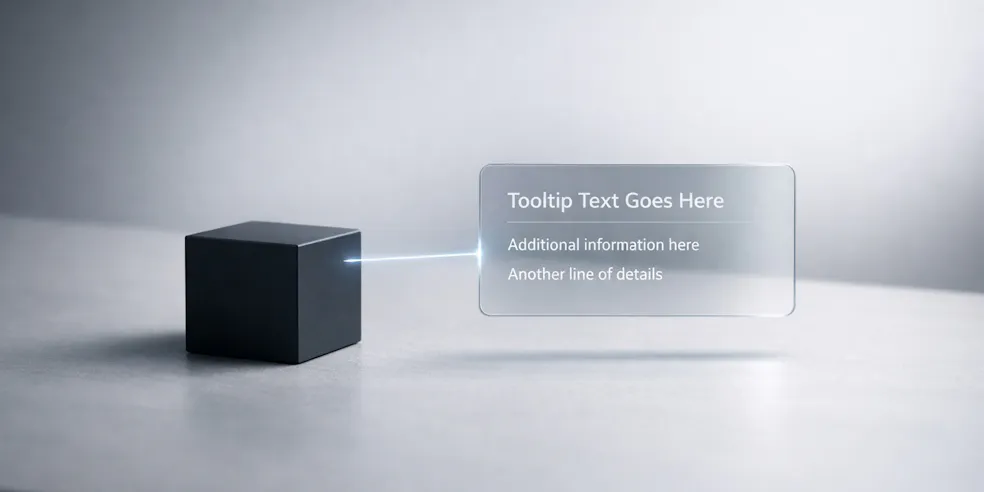
Considering how powerful CSS is, positioning elements relative to other ones for components like tooltips has often involved JavaScript along the way, revealing a weakness in the CSS spec.
Well, baseline since 2026, CSS anchor positioning makes it much staight-forward to handle, so we thought we would show you how.
You can see how positioning works on our CodePen demo, clicking the button to change values on the elements.
The Anchor Name
First of all, it’s important to declare one element as an anchor using anchor-name, so we create one called --box like so:
.anchor {
  anchor-name: --box;
}
Then, we tether our floating element to the anchored --box with position-anchor, and finally position-area defines where the floating element should appear:
.positioned {
  position: absolute;
  position-anchor: --box;
  position-area: right center;
}
It’s worth saying, the anchor and floating element do not need the same parent, so you’re free to put them anywhere in the DOM and so long as they share a anchor-name and positioned-anchor, it’ll work.
How position-area Works
So, position-area uses a 3×3 grid metaphor to describe where you want the positioned element to sit relative to its anchor. Values like top center, bottom center, left center, right center, and combinations of these cover most use cases.
In our demo, we’ve cheated and added a little JavaScript, just to show the results of different position-area values, though of course you would just use these values in the CSS itself.
Handling Fallbacks with position-try-fallbacks
One of the most useful parts of anchor positioning is the built-in overflow handling. If a positioned element would go off-screen with chosen positioning, you can declare fallback positions and the browser tries them in order:
.positioned {
  position: absolute;
  position-anchor: --box;
  position-area: bottom center;
  position-try-fallbacks:
    top center,
    left center,
    right center;
}
And that’s it! We hope you found this article useful, and find some great uses for these CSS anchor positioning tips.