Every developer has been there. You’re mid-flow, about to push a feature branch, and you need to undo your last three commits without blowing up the remote history. So you do what you always do: you open a new tab, type “git reset vs git revert”, skim five Stack Overflow answers, pick the one with the most upvotes, and pray.
It works. This time. But next week, you’ll do it again.
If that loop sounds familiar, Git Skills was built for you.
What Git Skills Actually Is
Git Skills is a free, focused learning platform with one goal: to make you genuinely good at Git — not just good at finding the right command on demand.
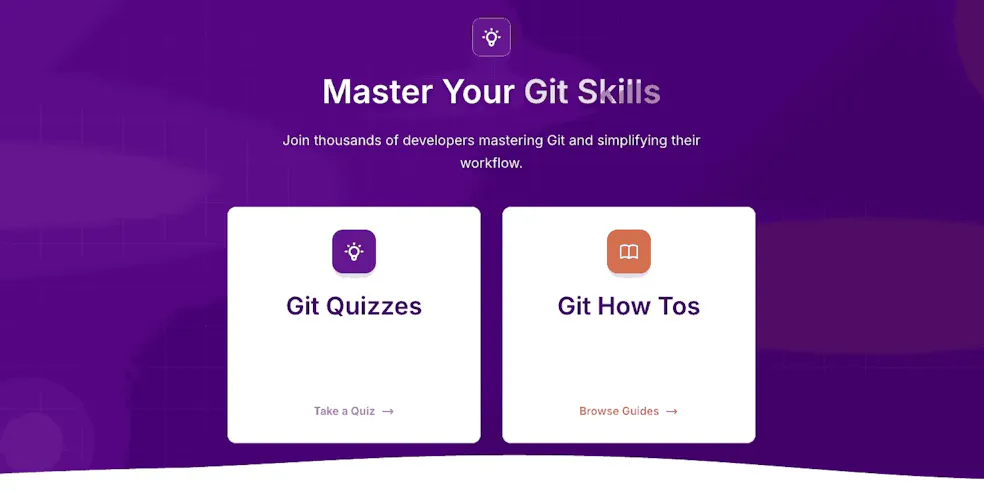
It does this through two complementary tools: interactive quizzes that test your real understanding, and practical how-to guides that walk you through real-world scenarios step by step. No fluff, no filler. Just Git, front to back.
23 Quizzes. 115 Questions. One Clear Path Forward.
The quiz library is the heart of Git Skills. With 23 quizzes and 115 expert-curated questions spanning four difficulty levels — Beginner, Intermediate, Advanced, and Expert — there’s a structured path whether you’re brand new to version control or have been writing commits for a decade.
The topics read like a curriculum built by someone who’s actually felt the pain:
- Git Basics — commits, staging, and the mental model that makes everything else click
- Branching & Merging — branch workflows, merge strategies, and the dreaded conflict resolution
- Git Rebase — everyday rebasing,
git pull --rebase, conflict handling, and recovery - Undoing Changes — reset, revert, and the techniques that save you when things go sideways
- Feature Branch History Cleanup — amend, squash, fixup, split, drop: the tools for a clean, readable history
- Git Internals — the object model, plumbing commands, and the power-user knowledge most developers never bother to learn
Each quiz gives you immediate feedback, so you’re not just answering questions — you’re building understanding in real time. Progress is tracked across sessions, so you always know where to pick up next.
How-To Guides for When You Actually Need Answers
Alongside the quizzes, Git Skills offers a growing library of step-by-step how-to guides covering the Git operations that trip people up most often:
- Checking out a remote branch
- Deleting and renaming branches
- Removing a file from a commit
- Reverting a file to a specific commit
- Undoing recent commits
- Ignoring already-tracked modified files
These aren’t just cheat sheets. They explain the why alongside the how — so you leave understanding what actually happened, not just having run the right incantation.
Curated by Humans, Not Generated by Algorithms
In an era where a lot of developer content is auto-generated and superficial, Git Skills takes a different approach: every question and guide is curated by human Git experts. The questions aren’t trivia — they’re designed to surface the gaps in understanding that cause real problems in real codebases.
The platform is built by the team behind SmartGit, a professional Git client with deep roots in the developer community. That pedigree shows. The content reflects the kinds of Git confusion that professional developers actually encounter, not hypothetical edge cases.
Who It’s For
Git Skills is genuinely useful across the experience spectrum:
Junior developers can use the Beginner quizzes to build a solid mental model before bad habits take root — understanding why Git works the way it does, not just memorizing commands.
Mid-level developers will find the Intermediate tracks on rebasing, conflict resolution, and history cleanup to be exactly the kind of structured practice that closes the gap between “I’ve used Git for three years” and “I actually understand Git.”
Senior developers can stress-test themselves against the Advanced and Expert tracks — Git Internals alone is humbling for most people who think they know the tool well.
The Case for Deliberate Git Practice
There’s a tendency in software development to treat Git as infrastructure — something you use constantly but never formally study. The result is that most developers operate with a mental model assembled from fragments: half-remembered tutorials, Stack Overflow answers, and cargo-culted commands that seem to work.
That’s fine, until it isn’t. Messy histories, botched rebases, and lost work are almost always the product of shaky fundamentals, not bad luck.
Git Skills offers something rare: a structured, low-friction way to practice deliberately. The quizzes take between six and fifteen minutes each. You can work through the whole library in a few focused sessions, or dip in and out whenever you have time to spare.
Either way, you come out the other side actually knowing Git.
Ready to find your weak spots? Head to git-skills.dev and start with the Warm Up quiz. It only takes nine minutes — and you might be surprised what you learn.