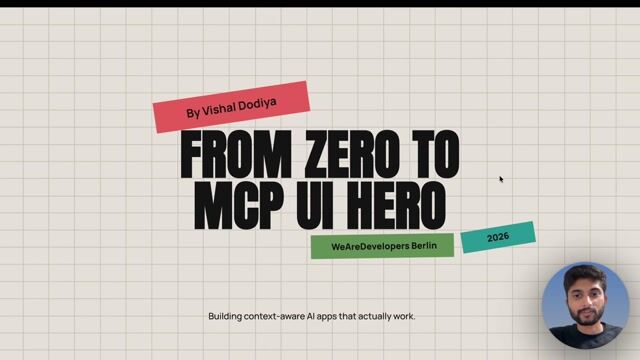
Vishal Dodiya

From Zero to MCP UI Hero: Building Context-Aware AI Apps That Actually Work

What if your AI could render interactive UIs directly inside a chat? Learn to build context-aware apps that bridge the gap between LLMs and rich user interfaces.

From Zero to MCP UI Hero: Building Context-Aware AI Apps That Actually Work
#1about 3 minutes

Understanding mCP Apps for interactive chat UIs

mCP Apps are a standard for delivering interactive HTML interfaces directly from an mCP server into a chat conversation to enhance user exploration.

#2about 5 minutes

Setting up the backend server and app resource

An Express server is configured with an mCP endpoint to register a primary app resource that serves the HTML for the to-do list UI.

#3about 6 minutes

Registering tools to list, create, and toggle items

Three distinct tools are registered on the server to handle listing all to-dos, creating a new item with Zod schema validation, and toggling an item's completion status.

#4about 2 minutes

Building the frontend widget to call server tools

The React component uses `window.parent.postMessage` to send tool call requests from the rendered UI back to the LLM client.

#5about 2 minutes

Integrating and testing the mCP App with Claude AI

The local server is exposed via a proxy tunnel and added as a connector in Claude AI, revealing a UI refresh issue during the initial test.

#6about 3 minutes

Fixing the UI refresh bug with event listeners

A `message` event listener is added to the React component to receive tool output from the LLM, enabling the UI to update its state and re-render with the latest data.

Related jobs
Jobs that call for the skills explored in this talk.

Featured Partners

Related Articles

View all articles

From learning to earning

Jobs that call for the skills explored in this talk.