
Tool Showcase: Three tools to help you find what's clogging up your hard drive
- Discuss this with your agent
- Open in Claude
- Open in ChatGPT
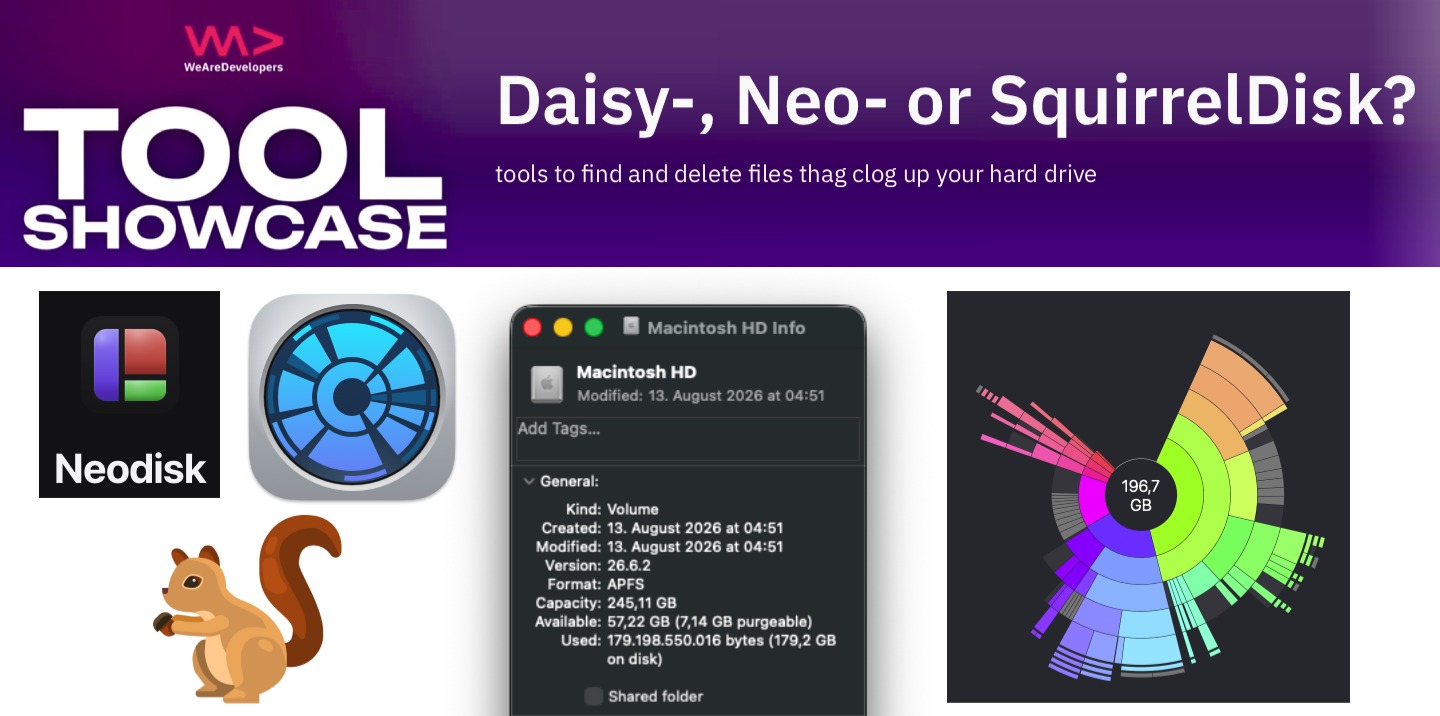
Isn’t it amazing that no matter how big a hard drive you have, it is always 70% full in no time? The issue is that operating systems don’t have a good way to tell you where your storage went. Here are three tools that can help you with that.
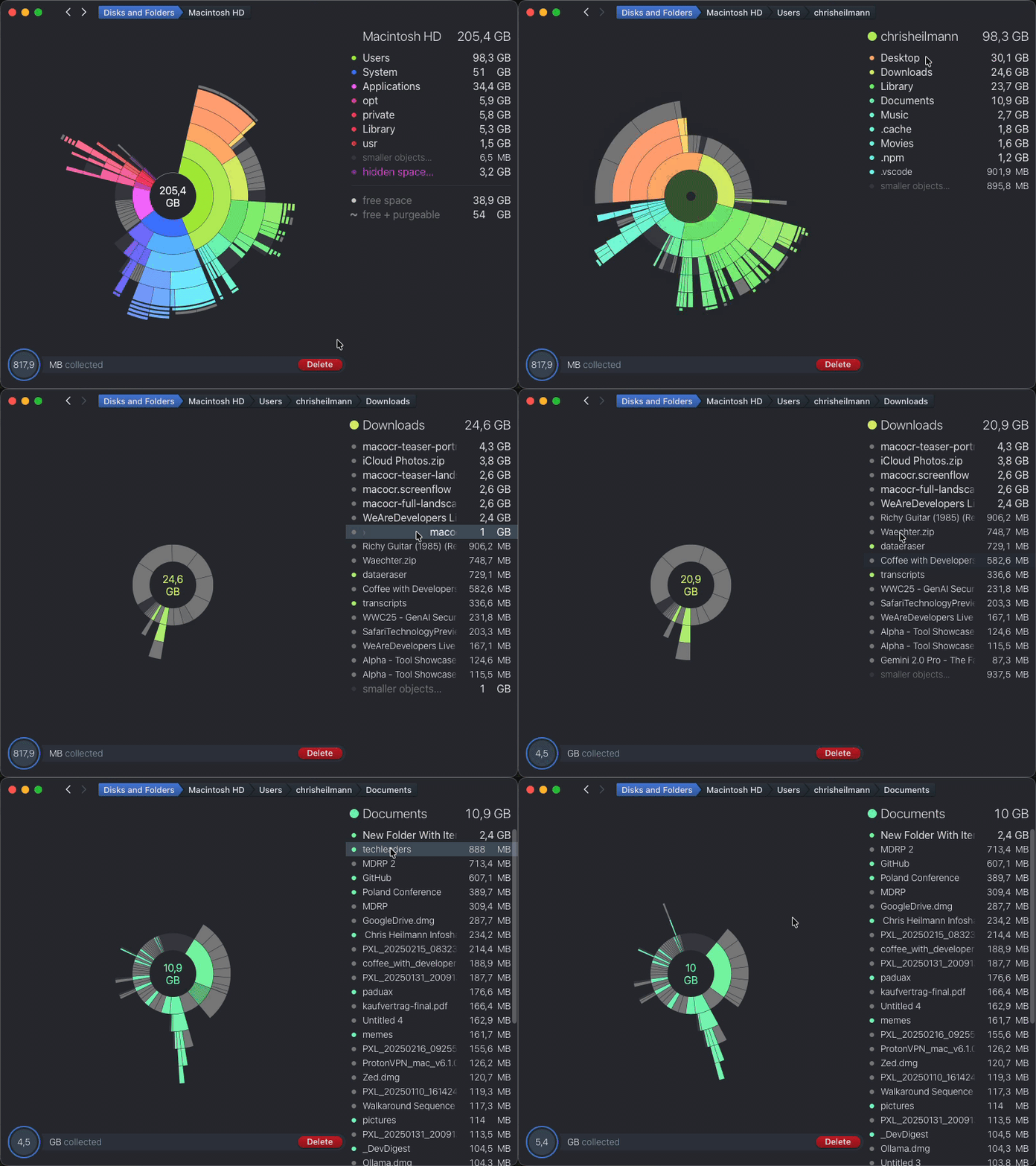
Daisy Disk
DaisyDisk is the oldest one and a commercial offer at €9.99. It shows you your hard drive contents as as sunburst graph and you can select files by dragging them into a tray for later deletion.
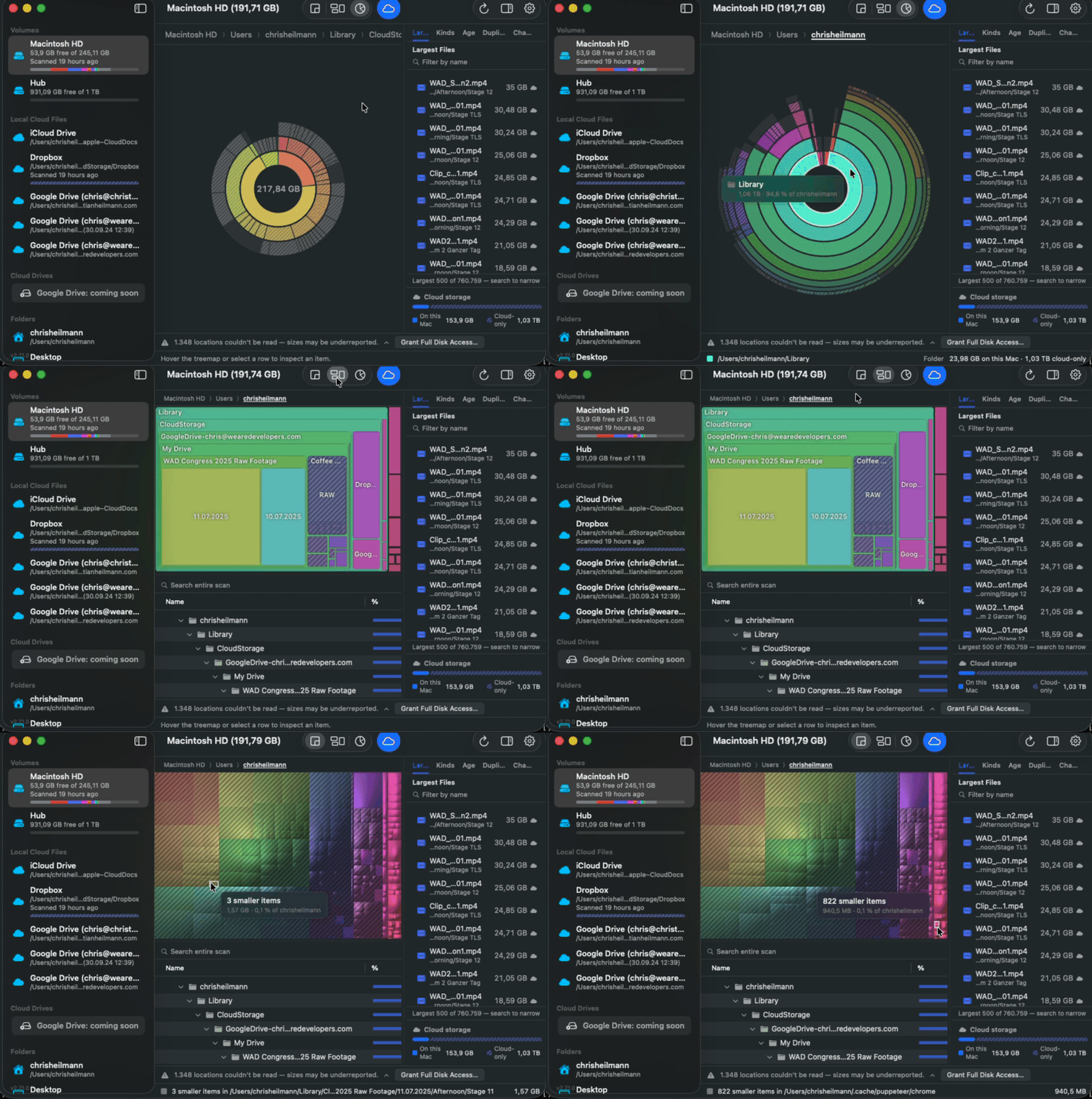
NeoDisk
NeoDisk is an Open Source tool by Lucas Takayasu written in Swift that works in a similar fashion. The main difference is that it is read-only, so you don’t have a tray to collect files but you need to delete the files in Finder or on the Command Line instead. This means it is easier to install as it doesn’t need to get white-listed by you. NeoDisk has two more visualisation modes and it promises more privacy as none of your data leaves your machine. You can check out the source code and build it yourself.
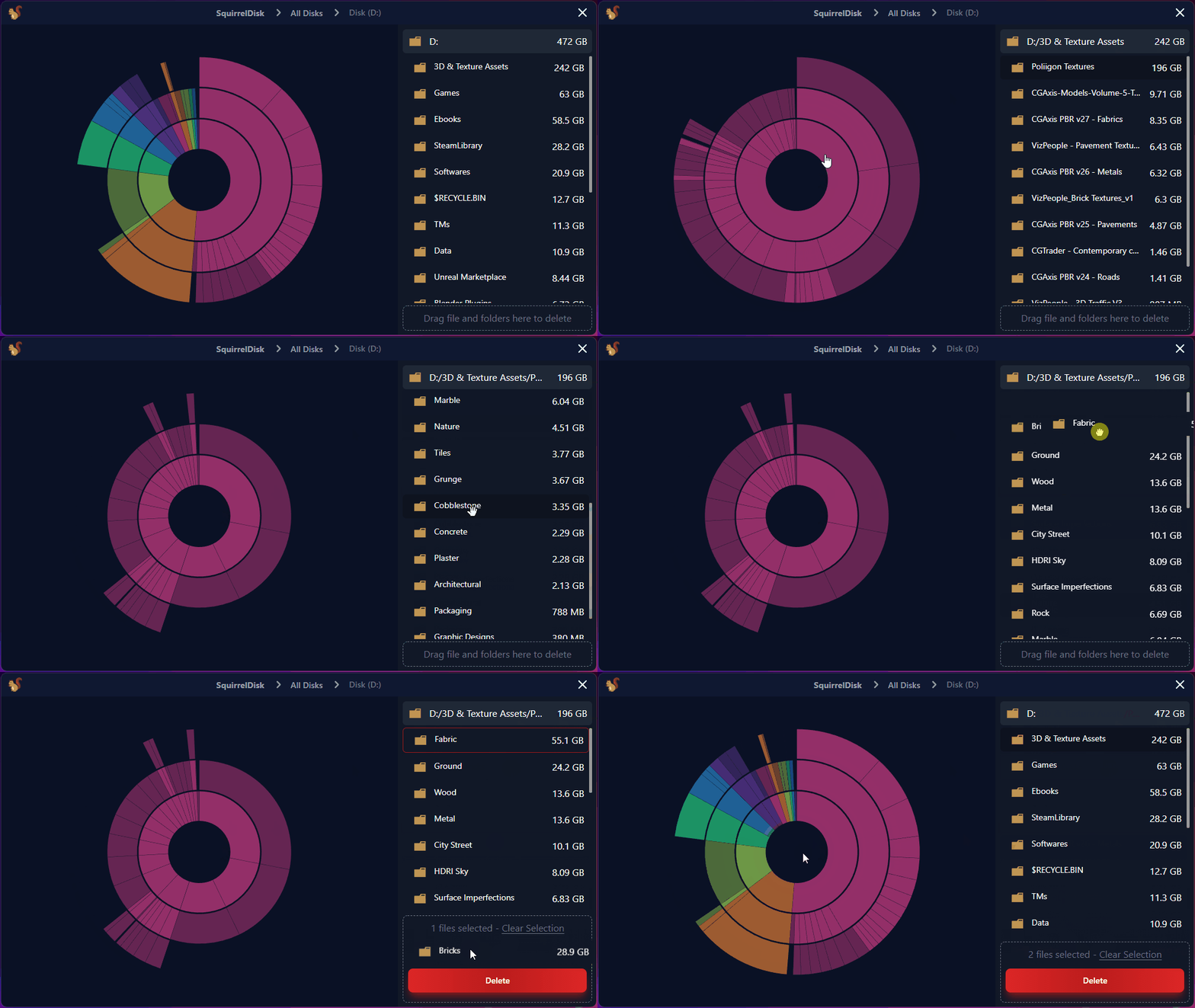
SquirrelDisk
SquirrelDisk by Adileo Barone is written in Rust and also available as open source. It does everything DaisyDisk does, but as it used to be an Electron App ported to Tauri it is available for Windows, Linux and Mac. Installing is a bit of a hassle though as it is a non-signed binary and you need to allow the OS to use it.
Happy Hunting
All of the above should help you find large files you don’t need at all or are ready to be archived. So get cleaning and free those hard drives.