
Tool Showcase: Snapzy
- Discuss this with your agent
- Open in Claude
- Open in ChatGPT
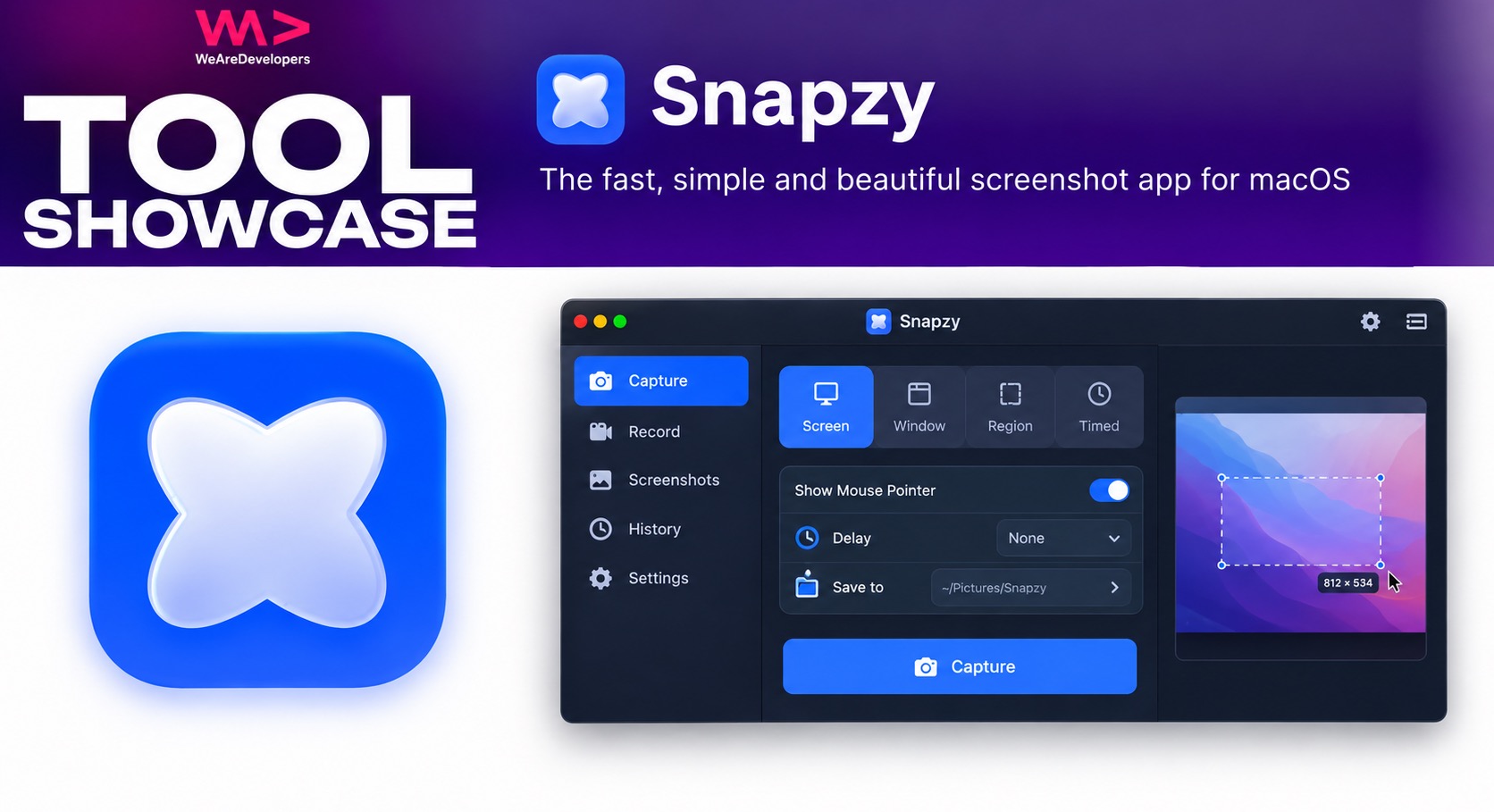
Screen capturing is a super handy way to record and share your work, explain something to a colleague, or just to prove that it really does work on your machine.
But, in terms of how we make them, we can feel stuck between quick but basic solutions like QuickTime, and expensive premium options that can be hard to justify.
Snapzy is a free open source alternative to some of the premium macOS tools out there, offering a number screen capture and annotation features bundled up in a lightweight, native app.
Built by Trong Duong, a software engineer from Vietnam, the project’s repo has (at the time of writing) over 3,200 stars on GitHub, and it’s got a growing community of contributors around it too, so shows strong signs of improving over the longer term.
To get started, download it from snapzy.app, and once it’s installed, just grant the necessary permissions and you’re ready to start capturing.
As you’d expect, you can record or screenshot any part or portion of your screen, but it has a number of useful features rolled in that aren’t quite perfect just yet, but are promising.
The scrolling capture took me a little practice to get used to, but allows you to scroll down the screen and merge the captures into one image.
There’s also a built-in editor that lets you add arrows and texts and another annotations, as well as options for beautifying your image with a background or effects like shadows, or borders.
The app does admittedly have its bugs, but the fact the repo has such a solid community around it with updates coming all the time, no doubt these will get fixed soon.
You can also remove backgrounds from anything on your screen with the subject capture feature, by clicking and dragging the part you want to capture, and customising it with the editor.
It’s got OCR, so you can extract text from your recordings or screenshots and add to the clipboard to use elsewhere, and you can save and manage your recent captures in the cloud, using your own S3 or R2 bucket with shareable links.
Go and take a look at the repo, support the project, and let us know what you think.
- The official Snapzy website
- The Snapzy repository on GitHub