
Coffee With Developers
•
Nov 28, 2024
Going on a CODE100 Accessibility Scavenger Hunt
- Discuss this with your agent
- Open in Claude
- Open in ChatGPT
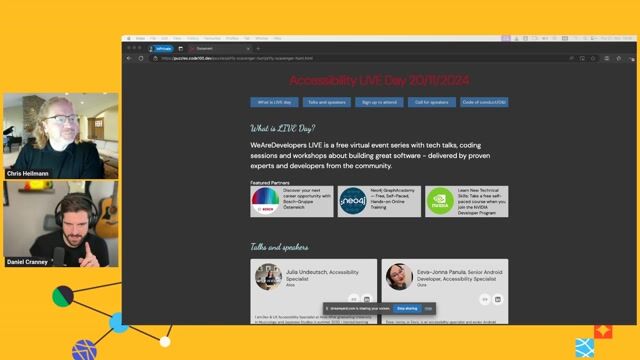
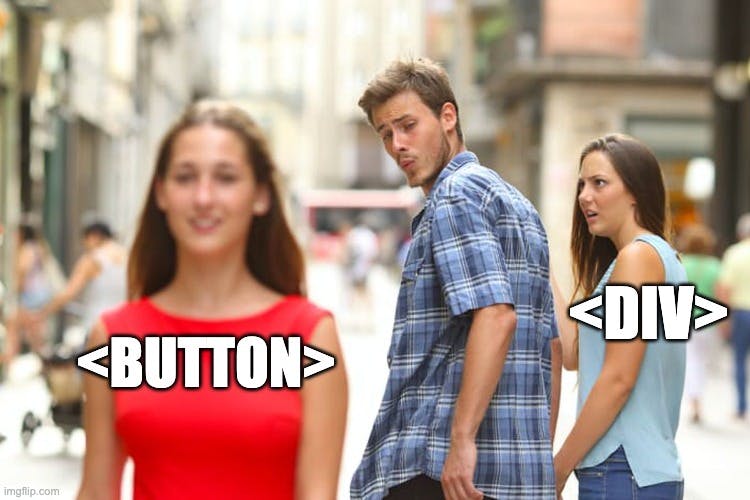
Are your over-engineered UI elements ruining keyboard navigation? Chris and Dan hunt down intentional frontend mistakes in a broken codebase. Discover why semantic HTML always wins.
Matching moments
8:18 min
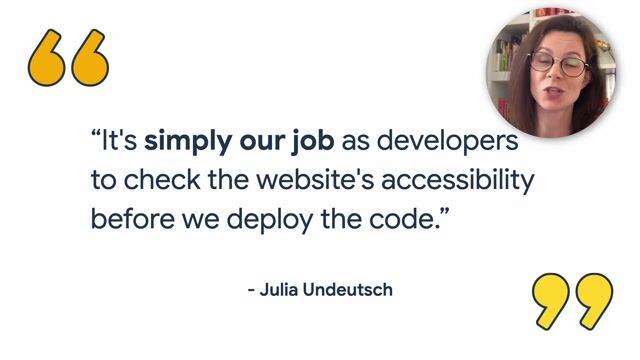
Building interactive accessibility learning resources for web developers
 Chris Heilmann +2 · LIVE
53 sec
Utilizing developer tools to test and improve accessibility
 Ramona Schwering · Coffee With Developers
4:30 min
Addressing web accessibility challenges in development teams
Anuradha Kumari · World Congress 2023
3:08 min
Introduction to building accessible web frontends
Konstantin Tieber · World Congress 2022
4:49 min
Finding accessibility issues through manual keyboard navigation testing
 Emma Dawson · World Congress 2025
4:00 min
Exploring accessibility and responsive layouts across testing environments
Marcus Wojtusik +1 · World Congress 2022
More from Coffee With Developers




Related videos


Related articles
CH
Chris Heilmann
CH
Chris Heilmann
AW
Amanda Winstead

From learning to earning
Jobs that call for the skills explored in this talk.
about 2 months ago
Senior AI Frontend Engineer

TeamViewer Germany GmbH,
Austin, TX, United States
Expert
ReactJS
TypeScript
Material UI
2 months ago
Senior Design Engineer

GitHub
San Francisco, CA, United States
Expert
$329k
HTML
Figma
Github
28 days ago
Staff Engineer - Web Platform

Intercom, Inc.
London, UK
Expert
Remote
Next.js
ReactJS
Amazon S3
22 days ago
Senior Web Developer BundesMessenger

BWI GmbH
Meckenheim, Germany
Expert
€71k–104k
HTML5
DevOps
Backend
about 1 month ago
•
Verified
Founding Developer Advocate

Plumber
San Francisco, United States
Experienced
$150k–190k
Remote
GIT
Bash
Linux
about 2 months ago
Senior Product UI Designer

Almedia
Berlin, Germany
Expert
€75k–90k
HTML
Data Analysis
Interaction Design