







CH
Chris Heilmann
HalfStack Vienna 2026
•
Nov 19, 2026
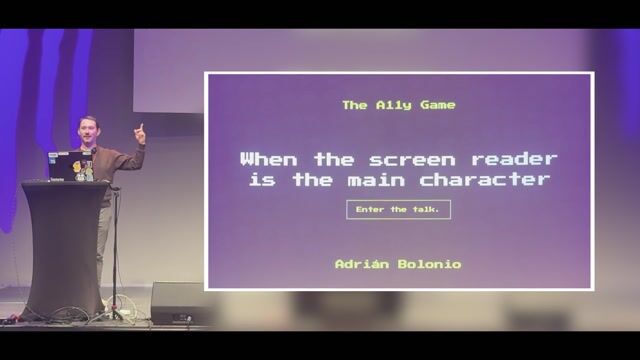
When the Screen Reader is the Main Character
Adrián Bolonio
- Discuss this with your agent
- Open in Claude
- Open in ChatGPT
Imagine solving a crime mystery where your screen reader is the primary investigative weapon and pixel art is purely optional. See how building a TypeScript game for a blind detective exposes common DOM, focus, and ARIA pitfalls.
Starting at 24:15 · Watch from the beginning
Matching moments
4:33 min
Navigating cross-browser screen reader compatibility and testing
 Emma Dawson · LIVE
4:26 min
Evaluating user experience through screen readers and landmarks
Anuradha Kumari · World Congress 2022
1:38 min
Browser rendering process and the accessibility tree
Emma Dawson · World Congress 2025
2:30 min
Practical strategies for enforcing accessibility in AI tools
 Karl Groves · World Congress 2026 North America
1:21 min
Handling screen reader simulations using AI agents
 Jörg Jakoby · World Congress 2026 Europe
3:21 min
Testing interfaces with system screen readers
More from HalfStack Vienna 2026
The Little iFrame That Wanted to Become the Biggest Payment Platform
Eduardo Aparicio Cardenes
Upcoming sessions on this topic
Starts in 6 days
Conference India 2026
November 25–26, 2026
Bengaluru, India
-
Built-In AI in the Browser: Practical Capabilities for Modern Web Apps
 Piyush Gupta · Expedia
Thu 26 Nov · Stage 4
-
The UI Engineering Playbook: Modern CSS, Design Systems, Motion & AI-Assisted Workflows
 Wadad Parker · Ednius Inc.
Thu 26 Nov · Room 6
Related videos
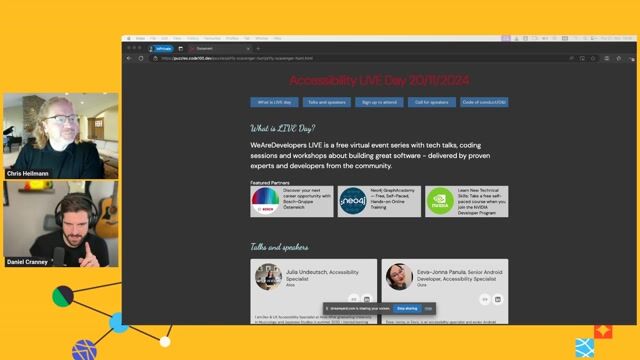
Going on a CODE100 Accessibility Scavenger Hunt
Coffee With Developers · Nov 2024
Semantic HTML means it's semantic, right? Right?
Emma Dawson · Axess Lab
World Congress · 2025
Accessibility Features in Chrome DevTools and beyond
Julia Undeutsch · Atos
Europe Virtual · 2026
The What, Why, Who and How of accessibility on the web
Konstantin Tieber
World Congress · 2022
Related articles
DC
Daniel Cranney


From learning to earning
Jobs that call for the skills explored in this talk.
18 days ago
Senior Web Software Architect, AI Experiences

TeamViewer Germany GmbH
Austin, TX, United States
Expert
ReactJS
TypeScript
TeamViewer
9 days ago
Senior Frontend Engineer

Almedia
Berlin, Germany
Expert
Cursor
Claude
NestJS
17 days ago
•
Software Development Engineer 4 - Database Engineer

WEX
Bengaluru, India
Expert
Hybrid · 3 days on-site
ETL
T-SQL
Microsoft SQL Server
25 days ago
Staff Developer Advocate, GitHub Security Lab

GitHub
San Francisco, CA, United States
Experienced
$323k
Git
Github
Databases
about 2 months ago
•
Senior Engineer, Game Mathematician

Sportradar Media Services GmbH
Vienna, Austria
Experienced
€65k–70k
Hybrid · 4 days on-site
Java
Python
25 days ago
Principal Software Engineer, Copilot Code Review
GitHub
San Francisco, CA, United States
Expert
Ruby
Golang
Github