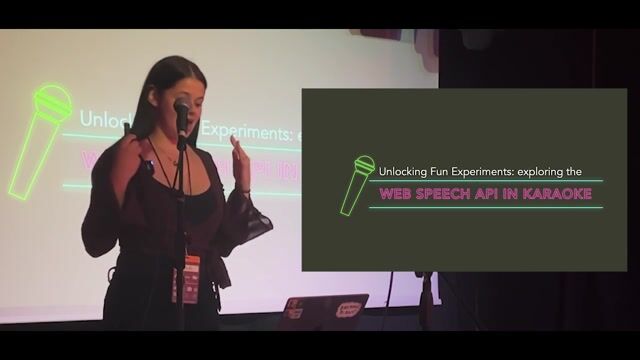
Building a Browser-Based Karaoke Game with Web Speech API
A developer built a karaoke game for her favorite band. She ended up discovering the hard limits and surprising flaws of the Web Speech API.
#1about 2 minutes
Creating a gamified karaoke experience in the browser
The motivation for building a custom karaoke game was to expand the song selection for a favorite band and add a scoring mechanic.
#2about 1 minute
An overview of the Web Speech API
The Web Speech API is a native browser feature split into speech recognition (speech-to-text) and speech synthesis (text-to-speech) for voice input and control.
#3about 3 minutes
Understanding the limitations of the Web Speech API
The API's real-world usability is hampered by inconsistent browser support, reliance on vendor-specific cloud services, and privacy concerns.
#4about 5 minutes
Demonstrating basic text-to-speech and voice navigation
A live demonstration shows how the API can be used for simple tasks like reading selected text aloud or enabling basic voice commands on a webpage.
#5about 4 minutes
Implementing the core logic for the karaoke game
The game's implementation involves initializing speech recognition, handling its tendency to stop by restarting it, and comparing the transcribed text against the song's lyrics.
#6about 6 minutes
A live demonstration of the browser karaoke game
The completed karaoke game is tested by speaking, singing, and intentionally using incorrect words to show how it scores the performance.
#7about 3 minutes
The API's current state and related community projects
While the native API is not yet production-ready for commercial use, the community has built useful tools and projects like Web Captioner and Mozilla's Common Voice.
#8about 1 minute
Practical design considerations for voice interfaces
When designing for voice, it's crucial to use concise content, consider conversational flow, and plan for error recovery and cognitive load.
#9about 4 minutes
Finding joy and learning through unproductive side projects
Building "useless" or "silly" side projects is a powerful way to combat burnout, learn new skills, and rediscover the fun in software development.
Related jobs
Jobs that call for the skills explored in this talk.
Dev Digest 215: Agent Memory, JS2026, Googlebot Analysis & Canvas❤️HTMLInside last week’s Dev Digest 215 .
🗿 Make AI talk like a caveman
🧠 A guide to context engineering for LLMs
🤖 Simon Willison on agentic engineering
🔐 Axios supply chain attack post mortem
🛡️ Designing AI agents to resist prompt injection
🎨 HTML in c...
Chris Heilmann
Building a "shoutout" component in plain HTML/CSS/JavaScriptEvery Wednesday we meet at noon to talk about a lot of tech news, tools and resources in something we call WeAreDevelopers Live . We go live on YouTube and afterwards we cut out short videos to post on social media. What we needed was an obvious “sho...
Daniel Cranney
Dev Digest 190: GitHub A11Y action, >12s Sora 2 videos and 42 CSS units!Inside last week’s Dev Digest 190 .
🙅 Developers don’t trust AI, and that’s a good thing
🤖 Why everyone is talking about AI agents
🔓 Autonomous AI hacking and the future of cyber security
😨 Windows 10 support ends, millions of PC’s fall off a securi...