




What if a faster app isn't about code, but psychology? Learn simple UX tricks to create the illusion of a blazing-fast web application.
#1about 3 minutes
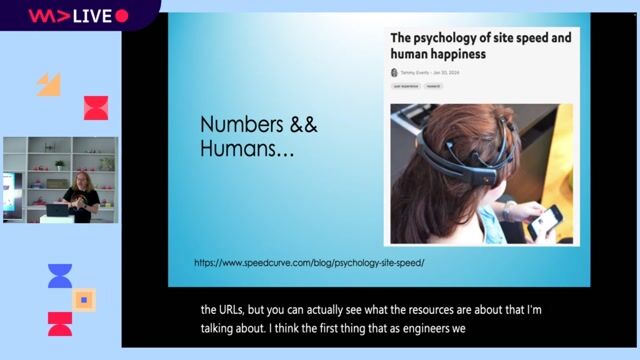
The psychology of perceived application speed
Understanding the human perception of time delays from 100 milliseconds to 10 seconds is key to building applications that feel fast.
#2about 3 minutes
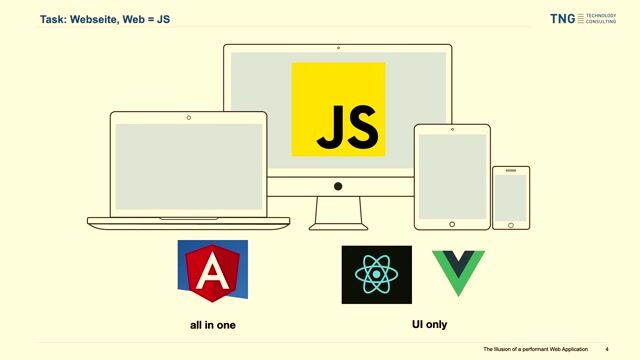
Why enterprise teams choose the Angular framework
Angular is often selected for large applications because it provides an all-in-one package with a standardized architecture, despite common concerns about its bundle size.
#3about 3 minutes
How to measure web performance with browser tools
Use tools like Chrome DevTools and Google Lighthouse to diagnose performance bottlenecks and measure key metrics, but avoid over-optimizing for a perfect score.
#4about 2 minutes
Fixing layout shifts with a simple CSS trick
Prevent the common header-footer collapse and improve your layout shift score by setting a minimum height of 100vh on the body and HTML elements.
#5about 6 minutes
Improving initial load with shimmer animations
Combat the blank screen during initial load by adding a shimmer or skeleton animation directly into your index.html for a better perceived waiting experience.
#6about 5 minutes
Avoiding blocking JavaScript during app bootstrap
Prevent blocking the application's startup process by moving runtime configuration and localization out of the initial JavaScript execution path, favoring deploy-time or build-time alternatives.
#7about 2 minutes
Using non-blocking app initializers in Angular
Ensure tasks like analytics setup don't delay your application's launch by changing the return type of your Angular APP_INITIALIZER from a promise to void.
#8about 3 minutes
Enhancing runtime performance with CSS and UX
Mask slow backend operations by using CSS transitions on interactive elements, providing clear user feedback, and implementing optimistic updates.
#9about 1 minute
Loading costly data with parallel requests
Improve initial screen usability by loading essential data first and fetching computationally expensive or slow data in a separate, parallel request.
#10about 1 minute
Conclusion and key performance takeaways
Focus on perceived waiting time, customize your index.html with animations, avoid blocking JavaScript, and use optimistic updates to create the illusion of a faster application.
Related jobs
Jobs that call for the skills explored in this talk.
The HTML Elements That You’re Probably Over-EngineeringAs frameworks have become more and more commonplace in the world of web development, so too has the over-engineering of features made possible by our humble old friend, HTML.
The mental models that come with using state management in React, Vue and o...
Daniel Cranney, Chris Heilmann
Dev Digest 215: Agent Memory, JS2026, Googlebot Analysis & Canvas❤️HTMLInside last week’s Dev Digest 215 .
🗿 Make AI talk like a caveman
🧠 A guide to context engineering for LLMs
🤖 Simon Willison on agentic engineering
🔐 Axios supply chain attack post mortem
🛡️ Designing AI agents to resist prompt injection
🎨 HTML in c...